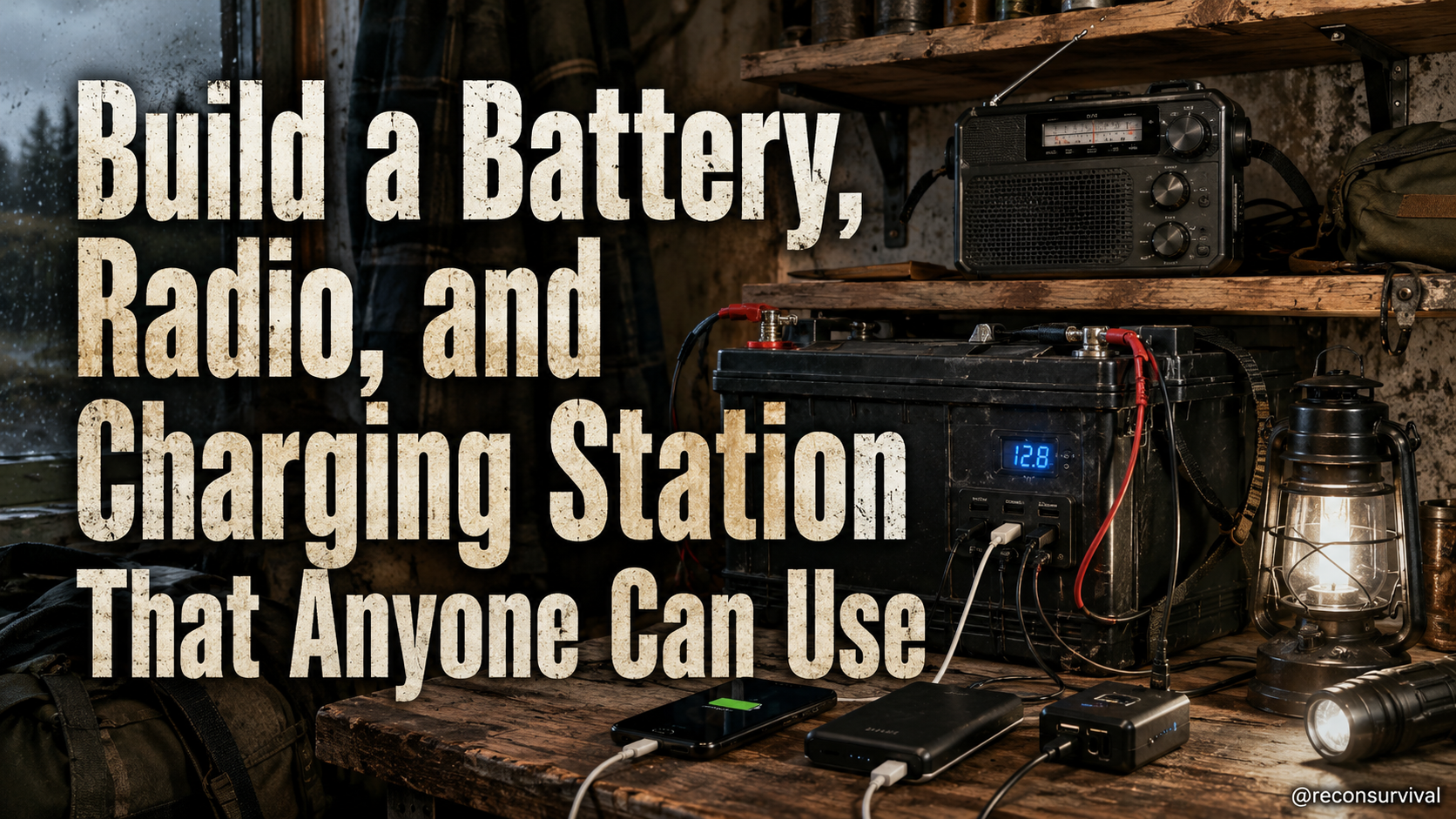
A practical way to build a reliable household information and charging station for outages, travel disruptions, and routine power stress, but most advice is either too generic, too gear-focused, or too late.
As an Amazon Associate, I earn from qualifying purchases.
The First Week of June: Why Your Household Information System Needs a Reset
The first week of June brings a specific shift to household operations. Temperatures rise, daylight hours lengthen, and the demand on local power grids increases significantly. For many families, this period also coincides with the start of annual vacation schedules, school breaks, and travel disruptions. When the grid stabilizes and then suddenly falters during a heat wave or a travel delay, the household relies on information continuity and reliable power. Most advice found online focuses on extreme scenarios or assumes you already have a sophisticated gear collection. The real-world problem this article solves is the gap between having a few gadgets and having a functional system that works for everyone, regardless of their skill level or the time of day it is being used.
Why Early Summer Power and Information Routines Matter Now
Power stress in early summer is often underestimated. High demand from air conditioning, combined with potential disruptions to the transmission infrastructure, creates a vulnerability that does not require a catastrophic event to activate. You do not need to fear the worst-case scenario to prepare for the best-case disruption. A localized outage can last hours or days. During those moments, the ability to receive news, communicate with family members, and keep essential devices charged becomes the primary differentiator between a stressful situation and a manageable one. This is not about preparing for an apocalypse; it is about maintaining basic household function when the central utility fails.
In these scenarios, information and power must be decoupled from the main house wiring. Relying solely on a standard power strip or a smart home hub means your house goes dark when the internet cuts out. Building a dedicated system that operates independently ensures you can track weather updates, communicate with neighbors, and recharge phones for evacuation routes or emergency contacts. The goal is resilience through redundancy, not paranoia.
The Common Mistake: Waiting for the Outage
The most common mistake people make with this topic is assuming they can build a system later. Many wait until the outage happens, or until a specific disaster strikes. This reaction is dangerous because the stress of an actual event makes decision-making difficult. If the power is out and you are trying to troubleshoot your gear for the first time, you are operating under duress. People also make the mistake of over-gearing. They buy the newest battery bank or the most expensive radio, but they do not know how to wire it into their home's charging ecosystem. A single point of failure exists when only one person understands the setup. If that person is unavailable or incapacitated, the system is useless.
The Recon Survival Practical System
To solve this, Recon Survival recommends a specific approach: build a central household information and charging station. This is a physical location in your home designed specifically for redundancy. It is distinct from your kitchen counter or living room entertainment center. This station handles backup power, information gathering, and distribution of charge to critical devices. The system is built to be simple enough that any family member can operate it without consulting a manual.
Step 1: Define the Minimum Viable System
Before selecting specific components, you must define the scope. The minimum viable system (MVS) must answer three questions: How do I get power? How do I get information? How do I distribute power?
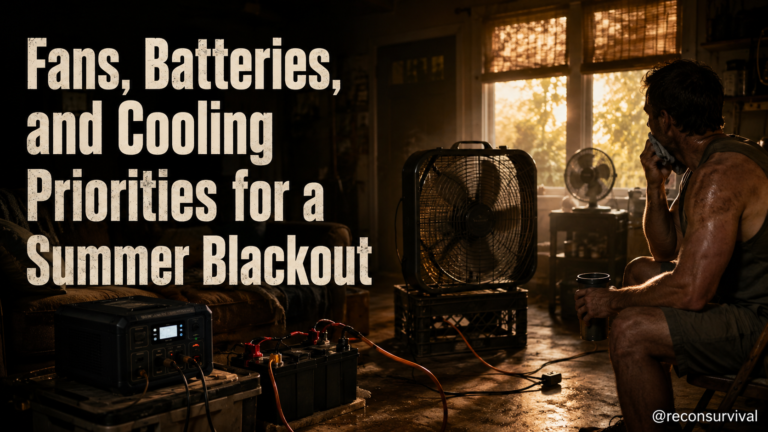
For power, you do not need a large generator immediately. Start with a portable power station or a deep-cycle battery bank rated for your essential devices. Look for capacity to run a phone charger, a radio, and a small light for several hours.
For information, a battery-powered AM/FM/SW radio is the absolute requirement. It does not rely on a cellular signal or the internet. It provides local news, weather alerts, and emergency broadcasts.
For distribution, you need a dedicated surge protector with multiple USB ports and a single AC outlet. This device sits between the battery and your essential electronics. It is not a simple extension cord; it is a regulated charging hub.
Step 2: Build the Infrastructure
The first step is to acquire the core components. A 500W to 1000W portable power station is a good starting point for the MVS. Pair this with a hand-crank or solar-rechargeable radio if you want zero reliance on the battery for signal reception. Ensure the power station has pass-through charging capabilities so you can charge your devices while the battery is being replenished.
Next, organize the station itself. Use a dedicated table or shelf. Keep cables coiled and labeled. Place the radio in the center, facing away from metal objects or walls that might block reception. The power station should be near the distribution hub but not directly underneath a window, to manage heat.
Label the outlets. Designate one AC outlet for a lamp or a small fan, and one for a communication device. Dedicate the USB ports to cell phones and tablets. Do not plug in a television or a gaming console in the MVS. These are low-priority loads that consume energy unnecessarily.
Step 3: Create a Communication Protocol
A system is only as good as the people who use it. Establish a household rule that this station is for essential operations only. During routine power stress, check the radio for updates before leaving the house or going to bed. If the battery is below 50%, shift to a low-draw mode immediately.
Define who manages the station. Ideally, this should be a task that rotates or is assigned to a specific family member who is comfortable with electronics. If the primary manager is out of commission, a secondary person must know the basic operations. This prevents the "single point of failure" scenario mentioned earlier. Document the setup in a notebook or a shared digital note that anyone can access.
Safety Limits, Maintenance, and Failure Points
Understanding how your system fails is just as important as building it. Battery safety is paramount. Lithium-ion batteries can degrade if exposed to extreme heat, direct sunlight, or physical damage. Never store the power station under a car or in a trunk during a heat wave. Keep it indoors in a cool, dry place.
Battery banks have a finite cycle life. Manufacturers typically rate these for a certain number of charge cycles. Monitor the runtime. If your devices run faster than they used to, it is time to recharge the battery more frequently or replace it.
Fuel cells or generators, if used for larger systems, require regular maintenance. Check spark plugs, filters, and oil levels. Store fuel in approved containers and rotate it every three to six months.
carbon monoxide detectors are mandatory if you use any combustion-based backup power inside a garage or enclosed space. Ventilation is critical. Never run a generator inside your home or in an unventilated area.
Maintenance involves keeping the terminals clean and tight. Corrosion increases resistance and reduces efficiency. Inspect cables for wear and tear. If a cable is frayed, replace it immediately. Do not use damaged cords.
Recon Survival Principle
Power is a tool, not a right. Build a system that prioritizes life safety and information over convenience.
The most effective backup systems are those that limit load shedding. Instead of trying to power your entire house, which drains batteries quickly and causes confusion, focus on the essentials. Lighting, communication, and charging critical devices are the trifecta of survival. When you limit the load, you extend the runtime and reduce the risk of overheating or battery failure. This discipline ensures that your system works when you need it most, rather than burning out before the situation resolves.
Do Today
Follow these concrete actions to build your household information and charging station today:
- Audit Your Current Power: Identify which devices you need to charge during an outage. List your phone, tablet, radio, and perhaps a small fan or lantern. Do not include high-draw appliances like TVs or heaters in this list.
- Acquire the Battery: Purchase a portable power station or a deep-cycle battery bank that can handle your list of devices. Aim for a capacity that lasts at least four hours under continuous load.
- Select a Radio: Buy a battery-powered AM/FM/SW radio. Ensure it has a loud speaker and clear buttons. Do not rely solely on smartphone apps for emergency news, as they require a data connection.
- Assemble the Hub: Mount a surge protector on a table or shelf. Connect your battery to the surge protector. Label each outlet and USB port.
- Test the Connection: Plug your devices into the station. Run them for an hour. Record the runtime. Note any devices that do not charge or run poorly.
- Organize Cables: Coil and label all cables. Store unused cables in a bag. Keep only the essential cables at the station to prevent tripping hazards and clutter.
- Schedule Maintenance: Set a calendar reminder to inspect your battery and radio every month. Check for signs of wear, dust, or loose connections.