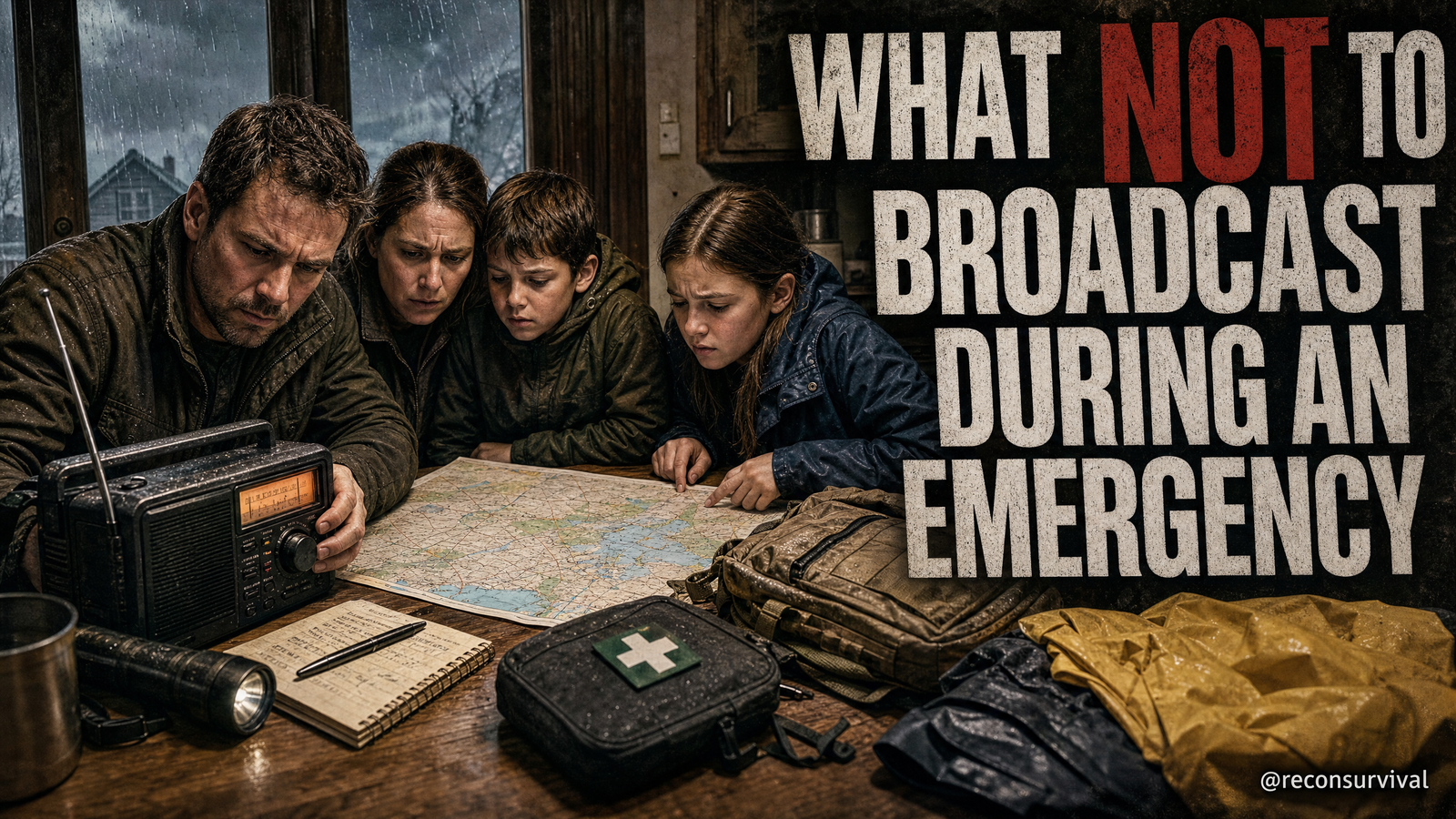
The fastest way to leak your home's location and what you own isn't a thief with binoculars. It's your own updates, posted or transmitted under stress, while wind and rain drown out better judgment.
As an Amazon Associate, I earn from qualifying purchases.
Setup: The Household Comms Privacy Drill
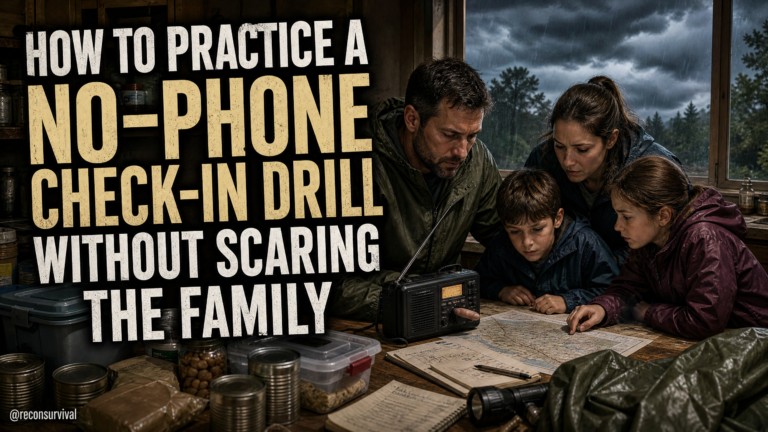
Run a 20-minute drill at your kitchen table with phones on the placemats and your handheld radios on the counter by the charging dock. The goal is simple: practice what not to broadcast when you're rattled by a power outage, storm damage, or a family member stuck on the road.
Here's your setup:
- Assign roles. One person is the poster/speaker. One person is the "opposition analyst" with a notepad. If you're solo, record yourself and review later.
- Stage a scene. Use something you might face during a mid-summer storm or travel delay: lights out, tree limb down, and one adult away in the car. – Place tools in their normal spots. Phone on 20% battery, battery bank from the foyer drawer, two FRS/GMRS radios on the garage shelf with a bag of aaa batteries, and a printed family contacts card taped inside the pantry door. – Set a timer for 10 minutes. During that window, the poster/speaker must provide family updates as if this were live, using social and radio. The analyst writes down any private info that leaks.
Why this matters: under stress, people overshare. And once something is posted or said on an open channel, it's public or can be intercepted. You can't pull it back.
Why Silence Beats Oversharing in an Emergency
Emergencies push people to seek help fast. That's normal, and sometimes you must broadcast. The risk isn't communicating; it's disclosing specifics that expose your home's location, contents, or routines to the wrong audience.
Think about what a stranger can do with:
- A post that you "left town for a few days" with a selfie in your driveway showing your house number.
- A radio transmission that your generator is running and you have "plenty of fuel in the garage."
- A comment that the kids are home alone while you drive to pick up a relative.
The practical link to safety is simple: the less precise you are about where, what, and when, the safer your household stays. You can still inform family and get help while avoiding exact addresses, inventory counts, and schedules.
The Common Mistake: Broadcasting While Stressed
Most people think the risk is hackers. In practice, the most common mistake is giving away location and resources in casual language when adrenaline spikes.
Listen for these phrases during your drill:
- "I'm at 1234 Maple…" or "the red house on the corner by the blue mailbox."
- "We've got the 6500-watt generator going and three gas cans."
- "We're all leaving now; nobody at the house until we get back."
- "Here's our travel route; ETA 40 minutes."
- "Kids are asleep upstairs; I'm alone here."
- "We always keep cash in the desk drawer."
All of those feel helpful in the moment. All of them expose you.
Social Media Posts
Your social channels are the easiest place to overshare because they're familiar. Treat them as public during an emergency, even if your settings are tight.
Drill steps:
- The poster has to make two "updates" to a family group chat and one mock post to a neighborhood group. Read them aloud.
- The analyst circles any clues visible in the imagined photo or language: house numbers on the porch, street signs, your car's license plate in the driveway shot, stack of stored water jugs behind you, or a caption that says "we're out of town."
What not to broadcast:
- Exact addresses or house numbers in text or images.
- Live travel departures and returns. Delay by at least 24 hours. – Resource inventory like fuel amounts, generator brand/models, ammo, cash, or safe locations. – Children's names, routines, and times they're alone. – Specific neighbors' names connected to their vulnerabilities.
Practical controls to test during the drill:
- Turn off location tagging in your camera and social apps. Confirm by taking a photo in the living room and checking if a location shows up in the app. If it does, change the setting, then retest.
- Use a "delay to post" habit. Write it on a sticky note on the fridge: "Post after the event, not during." During the drill, force yourself to draft and save, not publish. – Frame photos indoors against a blank wall or a closed curtain. Avoid the front porch where house numbers and street names can creep into the background. – Create a "close circle" list in your favorite app and add only those you'd trust with a house key. Practice posting the update to that list, not publicly. If unsure how, skip posting.
Field check: open your phone's gallery, pick the last 10 photos from the kitchen, porch, and driveway. Count visible identifiers: mailbox numbers, boxes with your last name, kid's school logo on a backpack by the mudroom bench. If you can spot three, so can anyone else.
Radio Traffic
Family radios can keep you coordinated when cell coverage is weak. They're also easy for others nearby to hear. Your drill should train short, neutral transmissions that avoid location, names, and inventory.
Drill steps:
- Power up two handhelds on the charging dock. Use earbud mics if you have them in the junk drawer; privacy starts with not blaring conversations into a quiet street.
- The poster calls for a check-in from a family member "two blocks away."
- The analyst listens for leaks and writes them down.
What not to broadcast:
- Street addresses, unique home descriptions, or precise travel routes.
- Full names, ages, or that minors are alone. – Inventory specifics: "we have five propane tanks," "I've got cash in the gun safe," or tool/brand names that suggest value.
Safer phrasing you can tape to the radio case with blue painter's tape:
- "I'm in the neighborhood, all OK. Moving to the north side of the park. Check-in again in 10."
- "Home base is stable. Power out. Supplies adequate. Non-urgent."
- "Need assistance from family only at the usual spot."
- "Switching to backup channel for five minutes."
Legal note: follow the rules for your radio service. Identify when required, keep transmissions brief, and don't jam or interfere. If you're unsure of the rules, print the quick guide for your chosen service and keep it in the radio bin.
Field check: in your garage, label the radio case with:
- Family call signs or first names you'll actually use
- Two pre-agreed channels
- One simple codeword that means "come home now" without saying why
Location Signals in Photos and Apps
Your phone leaks location through more than captions. The metadata in photos, the "share live location" toggles, and map pins can all expose your exact spot.
Drill steps:
- In your living room, take a mock status photo by a bookshelf and pretend to post it to a group. The analyst asks: what can I learn from the photo and the platform?
- Then send a map pin to your partner and see how precisely it lands.
What not to broadcast:
- Live location sharing except in a true life-safety emergency to trusted contacts.
- Photos with visible GPS metadata when posting to public or semi-public groups. – Map pins to "home" in neighborhood or work groups.
Practical controls:
- Turn off "precise location" for social apps in your phone settings. Verify by trying to add your location to a draft post.
- Strip metadata by taking a screenshot of the photo before posting, or using your phone's "save as" or "export" that removes geotags. – Replace pins with general area names: "near the high school" is better than dropping a pin on your front yard.
Field check: open your maps app favorites. Rename "Home" and "Kids' School" to neutral labels, or remove them entirely. If your car's infotainment unit stores recent addresses, clear that list in the driveway.
Resource Mentions and Gear Photos
Showing your generator on the back patio with a caption about "plenty of fuel" is an invitation. Same for pantry photos stacked with cans, water, or first-aid supplies.
Drill steps:
- Have the poster describe household status without listing inventory. The analyst notes if they mention quantity, brand, or storage spot.
- Have the poster compose a mock "resource request" to a trusted neighbor via text that keeps details minimal.
What not to broadcast:
- Exact counts of fuel, water, cash, or food.
- Brands or models that imply value, like a named inverter generator or high-end solar battery. – Storage locations: "fuel in the detached garage," "cash in the office safe," "meds in the bathroom cabinet."
Safer phrasing:
- "We're stable for now. Will reassess tomorrow."
- "Can spare a small amount if needed. Text me."
- "Looking for help with yard cleanup. Private message if available."
Field check: walk the back patio. Move fuel cans from visible corners to a locked shed. Coil extension cords and store in a lidded bin labeled "Cords" instead of leaving them draped over the porch rail after a test run.
Family Routines and Travel Updates
Your schedule is a blueprint. Guard it, especially when one adult is away.
Drill steps:
- The poster must notify extended family that one adult is traveling back during poor weather without exposing timeline or leaving minors alone.
- The analyst notes any times, routes, or vulnerabilities given away.
What not to broadcast:
- "Leaving now, back at 9 pm" posts.
- "Kids at home alone while I pick up Grandma."
- School drop-off routines, practice nights, or vacation dates in open forums.
Safer phrasing:
- "In transit. Will update when arrived."
- "All good at home. Coordinating by phone."
- "We'll regroup tomorrow."
Practical controls:
- Use an agreed family code phrase in the notes app on the fridge that signals an all-house check-in without explaining details. Example: "Blue Folder." When said, everyone texts a thumbs up to the household group, no extra chatter.
- Put blinds down in the front room lamp window when the last adult leaves. A simple plug-in timer for the living room lamp can break the "nobody's home" signal.
Field check: by the entryway key hook, hang a small printed card listing who calls whom if one adult is away. Include the neighbor you trust to stand by if pickup runs late.
Scoring: Pass, Fix, Retest
Use a simple point system to measure leaks. The analyst awards points for every clue captured during the 10-minute drill.
- Critical leaks (3 points each)
- Exact address or house number
- Stating the home is empty or minors alone
- Exact departure/arrival times or routes
- Resource counts or storage spots
- Moderate leaks (2 points each)
- Visible identifiers in photos (license plate, school name, work badge)
- Named gear brands/models that imply value
- Live location sharing turned on
- Minor leaks (1 point each)
- First and last names used on open radio
- Oversharing in group chats with unclear membership
- Posting while the event is ongoing (no delay habit)
Pass/Fix standard:
- Pass: 0 critical leaks, and 3 or fewer total points
- Fix: Anything above pass triggers a 10-minute cleanup session and a retest within 48 hours
Write your score on a sticky note and stick it to the inside of the pantry door next to your contacts card.
Fixes: Privacy Settings, Habits, and Visible Deterrents
Once you know where you leaked, apply quick fixes. Keep it lawful, defensive, and calm. You're not hiding from the world; you're shrinking your public footprint.
Privacy settings to adjust now:
- Phone photos: disable location tagging for camera and social apps.
- Social groups: trim membership lists for any "family updates" chat. Remove old acquaintances. In the app, rename the tight group "Household Updates" so you don't mispost. – Device names: rename your phone and Bluetooth devices to neutral labels in settings. "Kitchen-iPad" is better than "Smith Family iPad."
Habits to adopt:
- Delay posting by 24-48 hours when possible. If real-time updates are required for safety, keep them private to a small list.
- Use first names only on radio and neutral place names like "north lot" or "usual spot."
- Photograph against blank surfaces indoors. Keep refrigerator calendars and kids' chore charts out of frame.
Visibility and prevention (non-escalatory):
- Close curtains in front rooms before you take any indoor photo during outages. Light from battery led lantern makes interiors visible to the street.
- Use a plug-in lamp timer in the living room to simulate occupancy during evening hours. – Keep generators and fuel out of sight behind the fence gate and lock the shed. Cover branded equipment with an unmarked tarp.
Household checklist to print and tape inside the hallway closet door:
- Phones charged to 80% nightly; battery banks topped off weekly
- Radio quick guide and call patterns taped to the radio case
- Two prewritten messages on an index card: "We're safe, power out, will update tomorrow" and "Need non-urgent help from family only"
- Location services off for social apps; recheck monthly
- Family code phrase posted by the key hook
- Living room lamp timer set, blinds position noted
- Neighbor check-in contact starred in your phone favorites
Retest: Simulated Storm Outage
Re-run the drill after you apply fixes. This time, make it more realistic.
- Kill the main living room breaker for 20 minutes to remove easy habits. Use a headlamp from the hallway drawer.
- The poster must transmit one radio update from the porch and one from the kitchen, and draft a social update in the dark without posting.
- The analyst walks the sidewalk and looks through the front window from the curb. Can they see a glowing laptop screen, a calendar on the wall, or resource stacks?
Scoring stays the same. Aim for zero critical leaks and no more than two total points. If you miss the standard, adjust and retest tomorrow.
Recon Survival Principle
Control the information you emit before stress controls it for you. Emergencies don't create privacy leaks; they amplify your default habits. Build quiet, repeatable routines that protect location, resources, and family timelines without shutting down your ability to ask for help.
Set clear thresholds for when to speak and what to omit. Keep location general, keep inventory private, and keep schedules off public channels. A household that practices short, neutral, timely communication is harder to target and easier to help.
Do Today
- Put one index card by the router and one in the radio bin with two prewritten, low-detail status messages you can read verbatim.
- Turn off location tagging for your camera and social apps, then test by drafting a post to see if a location tries to auto-fill.
- Create or prune a tight "Household Updates" group with only the 5-8 people you'd trust with a house key. Remove everyone else.
- Tape a blue painter's tape strip on each handheld radio with your two agreed channels and a neutral meet-up phrase.
- Walk your porch and living room at night. Close blinds, set a lamp timer, and move any visible fuel cans, water jugs, or generator covers out of sight.
- Open your phone gallery and delete or archive any photos that show house numbers, license plates, kids' schools, or resource storage areas.
- Print a one-page checklist with roles: who posts family updates, who handles radio check-ins, who calls the neighbor. Tape it inside the pantry door next to the contacts list.
- Run the 10-minute drill: post/speak, have an analyst score leaks, apply fixes, and schedule a retest within 48 hours.
- Label your battery banks with the last charge date using masking tape and a marker. Place one in the kitchen drawer and one in the bedroom nightstand so you're not forced to post because your phone is dying.
- Clear recent destinations from your car's navigation system in the driveway and rename "Home" in your maps app to a neutral label.